



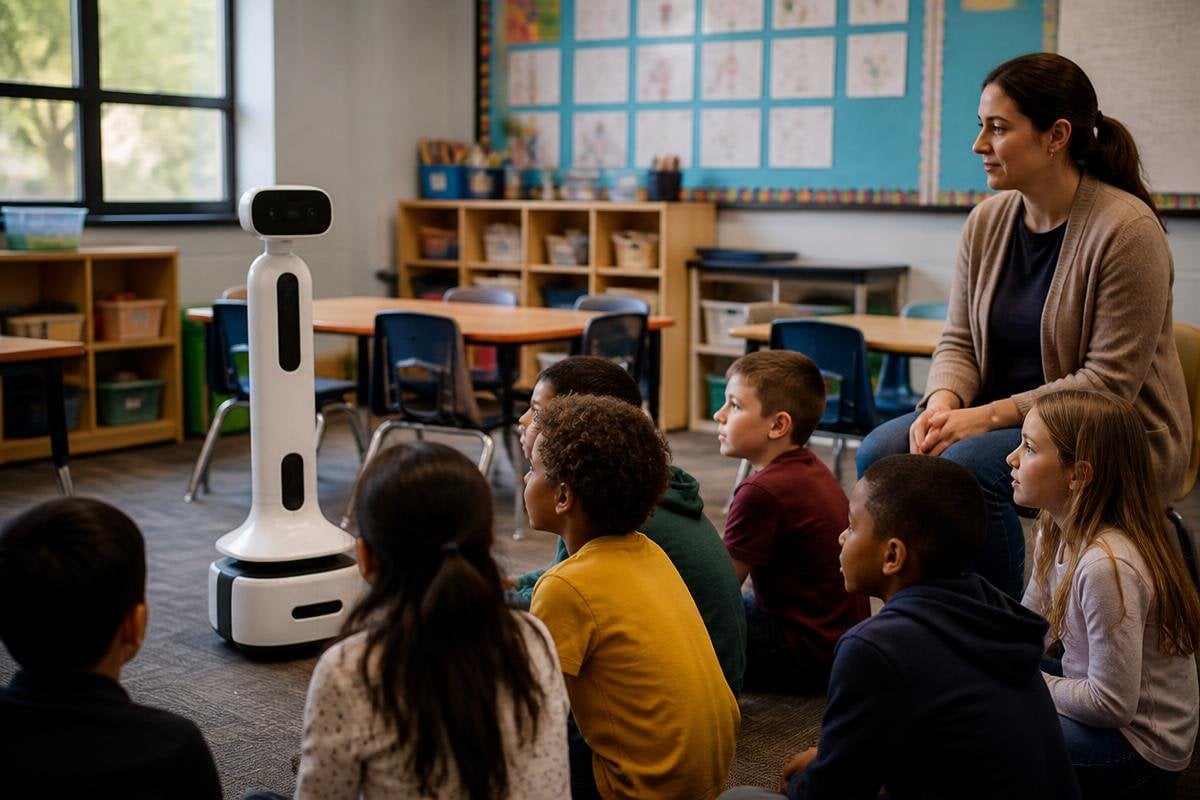
A classroom robot could read instructions aloud, answer set questions, or guide a small group through a lesson. It won’t replace a teacher, because teaching also depends on judgment, trust, and knowing when a child needs help that isn’t written in a lesson plan.
The practical question is narrower: can a robot handle one repeatable classroom task well enough to give the teacher more time?
- Good first tasks: reading practice, language drills, or showing a science process
- Useful hardware: a screen, microphone, speaker, camera, and safe movement system
- Main test: whether the robot works without adding setup and repair work
Start with the task, not the robot
A classroom assistant needs a job with a clear start and finish. Reading a short passage to one student fits that shape. So does asking a fixed set of spelling questions and recording which answers need more practice.
Open-ended teaching is harder. A student may ask a question that needs context, or give an answer that is partly right. The robot then has to judge the answer, choose a useful reply, and know when to ask the teacher for help. That chain creates more points of failure than a fixed exercise.
The robot also needs a clear handoff. A screen can show the lesson step, while a speaker gives spoken instructions and a microphone receives the student’s reply. If the robot cannot understand the reply, it should stop and call the teacher rather than guess.
What the hardware changes
A stationary robot may be enough for reading or language work. It could sit beside a desk with a display, microphone, speaker, and camera. Removing movement cuts the number of things that can go wrong and keeps the robot away from bags, chairs, and walking children.
Movement has a place in some lessons. A robot with wheels could carry materials between tables or point to items during a demonstration. That job needs obstacle sensing, low speed, a clear stop control, and a route that stays away from crowded areas.
A robot arm raises a different set of questions. It may move objects during a science activity, but the teacher still needs control over the arm, the objects, and the space around it.
The machine’s reach, force limits, and safe stopping behavior matter more than a human-like shape.
For schools weighing a classroom trial, classroom robot reports from Robot24.com can tie those limits to named machines, test dates, and the tasks students ran. That evidence leaves the teacher with the final say over when the robot speaks, moves, or stops.
The teacher remains the control point
A useful assistant should let the teacher choose the lesson, set the permitted answers, and review the record after the activity. It should also show when it is unsure. A silent failure could leave a child practicing the wrong answer for an entire session.
Privacy needs the same care. Cameras and microphones can collect information about children, so a school needs clear rules for storage, access, deletion, and parent communication. A robot that records every session creates a different risk from one that processes a short response and deletes it.
There is also the time cost. A robot may save minutes during an exercise, then give those minutes back as setup, charging, software updates, or repairs. The useful measure is the whole lesson, not the time when the robot is speaking.
A practical buying checklist
Before a school tests a classroom assistant, check these points:
- Name one task: write down the exact activity the robot must handle
- Set a handoff: decide when the teacher takes control
- Check the room: measure door widths, desk gaps, noise, and floor space
- Review data use: record what the robot hears, sees, stores, and deletes
- Count staff time: include charging, setup, training, and fault recovery
- Plan a manual version: keep the lesson running when the robot is offline
This checklist keeps the trial tied to classroom work. It also gives the school a fair way to stop using the robot if the machine creates more work than it removes.
What should happen next
I’d start with a fixed reading or practice task beside one teacher, not a mobile robot moving through a full class. That test asks a clean question: after setup and repair time are counted, does the teacher get useful time back?
If the answer is yes, the school can add harder tasks one at a time. If the answer is no, a better screen, worksheet, or teaching aide may solve the problem at lower cost and with fewer points of failure.
